How to Choose a Trademark Printing Machine in 2026?
Choosing a Trademark Printing Machine in 2026 requires more than comparing speed and price. Print quality, material compatibility, software control, and long-term service support can directly affect production results. A machine that looks impressive in a showroom may struggle with small labels, curved packaging, or repeated color matching.
Real-world testing matters.
Operators should examine sample prints under bright, neutral lighting. Fine lettering must remain sharp, while registration should stay stable across longer production runs. Important questions include whether the machine supports the required inks, substrates, drying systems, and workflow integrations. Reliable manufacturers should provide technical documentation, training, warranty details, and accessible maintenance support.
Experience often reveals hidden costs. Consumable waste, cleaning cycles, calibration time, and replacement parts can change the total investment. Energy use also deserves attention, especially for businesses operating multiple shifts. A detailed comparison should consider output consistency rather than maximum advertised speed alone.
No checklist is perfect.
A careful buyer should involve experienced operators before making a final decision. Their feedback may expose practical issues, such as difficult roll changes or confusing control panels. It is also wise to request a production trial using actual materials and approved artwork. Trademark printing should remain accurate, authorized, and professionally managed, with clear records supporting quality control. This guide explores the main selection criteria, common mistakes, and practical evaluation methods for finding a Trademark Printing Machine that fits genuine business requirements in 2026.
What Is a Trademark Printing Machine and What Does It Produce?
How to Choose a Trademark Printing Machine in 2026?
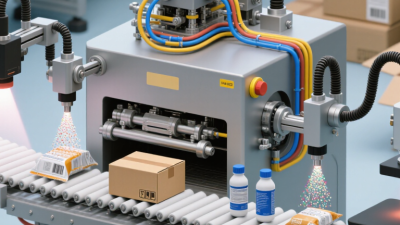
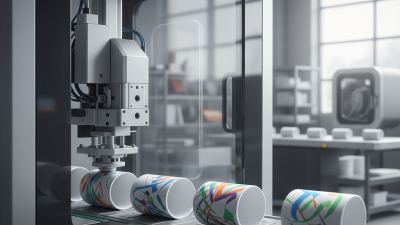
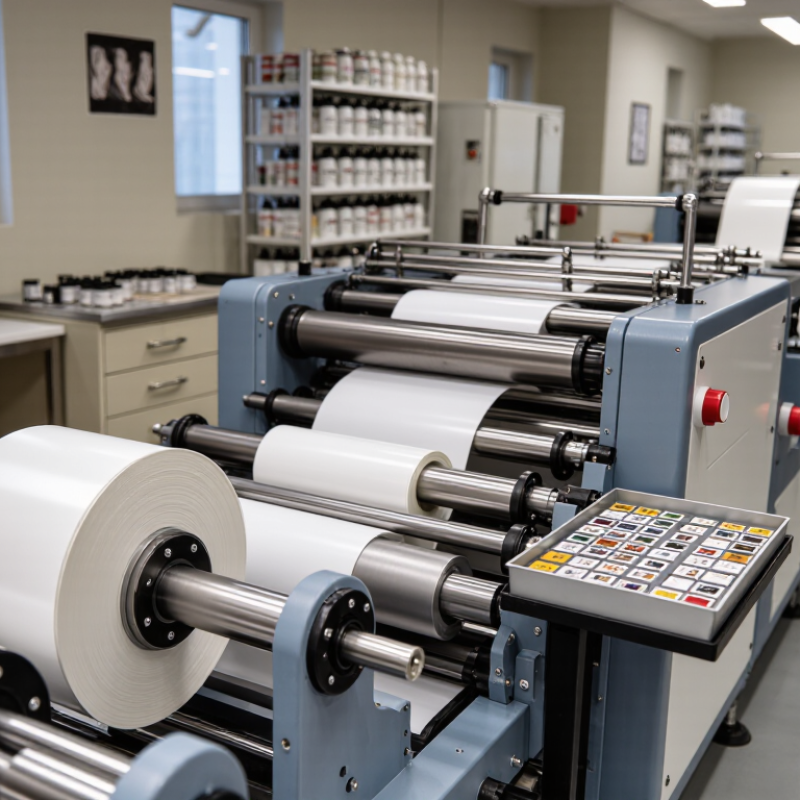
A trademark printing machine applies authorized brand marks to labels, cartons, tags, films, or flexible packaging. It can produce sharp logos, word marks, color panels, serial numbers, barcodes, and QR codes. The machine does not create trademark rights. It only reproduces approved artwork on a physical surface. That distinction matters during equipment selection.
Production requirements should guide the choice.
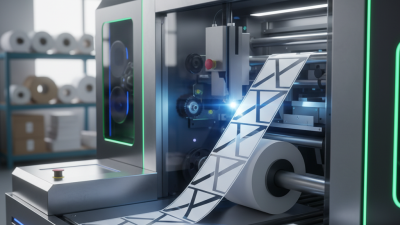
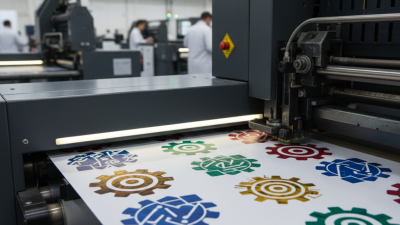
Digital systems suit short runs, frequent artwork changes, and variable data. Flexographic systems can support long runs with stable colors and lower unit costs. Hybrid machines combine both approaches, although their controls may require more training.
FINAT’s 2024 RADAR report placed European self-adhesive label demand at approximately 8.5 billion square meters in 2023.
That scale shows why waste, registration accuracy, and uptime deserve serious attention.
Smithers’ 2024 outlook for digital packaging print expects double-digit annual growth through 2028, especially in labels and short-run packaging. Buyers should test real materials, not only sample paper.
Check ink adhesion, drying speed, color consistency, inspection accuracy, and changeover time.
A 0.2-millimeter registration error can make small text look unprofessional.
I would also question optimistic supplier forecasts. Reports combine different regions and machine classes, so their averages may not match a smaller factory’s daily workload.
Sometimes, the simplest machine is the more reliable investment.
Which Trademark Printing Requirements Should You Define First?
Choosing a trademark printing machine in 2026 starts with defining the print job, not browsing equipment catalogs. Measure the trademark’s actual size, surface, color count, and viewing distance. A metal tag needs different ink adhesion from a coated carton or textile label. Record substrate samples, including rough edges, dust, moisture, and surface treatment. Small details matter.
Set measurable output requirements before comparing machine specifications. State the target resolution, print speed, daily volume, registration tolerance, and acceptable reject rate. If variable codes or serial numbers are required, describe the data source and inspection method.
A practical trial should use your real artwork and production materials, not a perfect sample sheet. That test exposes smearing, uneven coverage, curing delays, and operator adjustments. I would also define cleaning time and changeover steps, because neglected downtime can erase advertised productivity.
Safety and reliability belong in the requirement list. Check ventilation, guarding, electrical needs, noise, waste handling, and maintenance access. Ask who will operate the machine and how quickly they can learn it. An affordable machine may become expensive when training is vague or spare parts take too long. Leave room for honest uncertainty. Your first volume estimate may be wrong. Review it against seasonal demand, future materials, and available floor space before selecting a configuration.
How Can You Evaluate Costs, Maintenance, Safety, and Supplier Support?
When choosing a trademark printing machine in 2026, calculate total ownership cost, not only the purchase price.
Include inks, plates, power, operator time, training, spare parts, and expected downtime. A simple three-year spreadsheet exposes hidden costs. For example, one lost production shift may cost more than a modest service contract.
Maintenance deserves practical testing.
McKinsey reports that predictive maintenance can reduce machine downtime by 30–50% and maintenance costs by 10–40%. Ask whether the machine records temperature, pressure, and print-cycle faults. Request maintenance intervals, replacement prices, and service manuals before signing. These figures are industry estimates, not guarantees. Your workload may behave differently.
Safety checks must be visible.
OSHA’s FY2024 Top 10 list still included machine guarding violations, showing that basic protection remains important. Inspect emergency stops, covers, interlocks, ventilation, noise levels, and cleaning procedures. Ask for risk-assessment documents and operator training records. Do not accept vague promises.
Supplier support also affects reliability.
Deloitte’s 2024 Smart Manufacturing and Operations Survey found that 86% of manufacturers see smart manufacturing as a major competitiveness driver. Confirm remote diagnostics, response times, technician availability, software updates, and local spare-part stock. I would also request two customer references. One glowing reference is not enough.