How to Machine Print On T Shirt for Best Results?
Printing on t-shirts has become a popular way to express creativity and style. To achieve the best results, one must learn how to machine print on t-shirts effectively. This process is not just about loading a shirt into the machine and pressing a button. It requires careful consideration of materials and techniques.
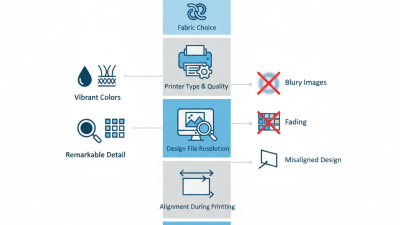
Choosing the right fabric is essential. Cotton works well, but blends may create challenges. The right ink is also vital. Not all inks adhere equally to every fabric type. Additionally, machine settings must be dialed in correctly; too much pressure can ruin prints, while too little may cause fading.
Many beginners overlook common pitfalls. For instance, not pre-treating fabrics can lead to poor adhesion. It can be frustrating when prints don’t last. Testing different methods is key. Don’t hesitate to make mistakes; that way, better techniques will emerge over time. With practice, the art of machine printing on t-shirts can become a rewarding endeavor, both creatively and professionally.
Understanding the Basics of Machine Printing on T-Shirts
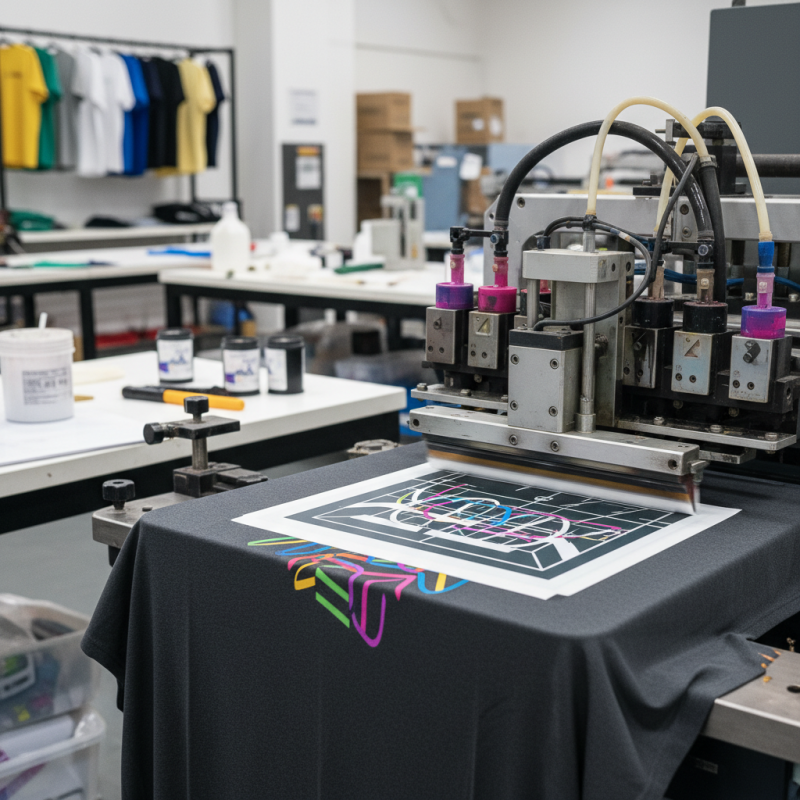
Machine printing on t-shirts is a popular method for high-quality designs. Understanding the basics is essential for achieving great results. The first step is choosing the right printing technique.
Screen printing remains the most common, preferred for bulk orders. It offers vibrant colors and durability. However, it can be costly for small runs.
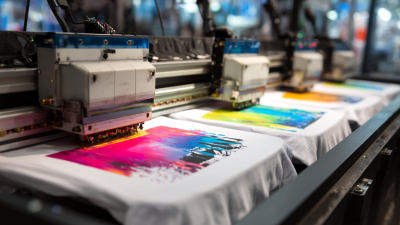
Direct-to-garment (DTG) printing is another option. It allows for detailed images and quick turnarounds. However, it may not always deliver the durability of screen printing.
According to a 2022 industry report, 39% of t-shirt businesses now prefer DTG for its flexibility. Yet, users have reported inconsistencies in print quality, so choosing a reliable machine is crucial.
Preparation plays a vital role. Ensuring the fabric is clean and wrinkle-free improves adhesion. Even the ink quality affects the outcome. A 2023 survey found that 27% of t-shirt businesses faced issues with ink fading. Using tested inks can prevent this problem. It's also important to consider the design's complexity. Intricate designs may require additional attention during the printing process.
Choosing the Right Materials for Quality Print Results
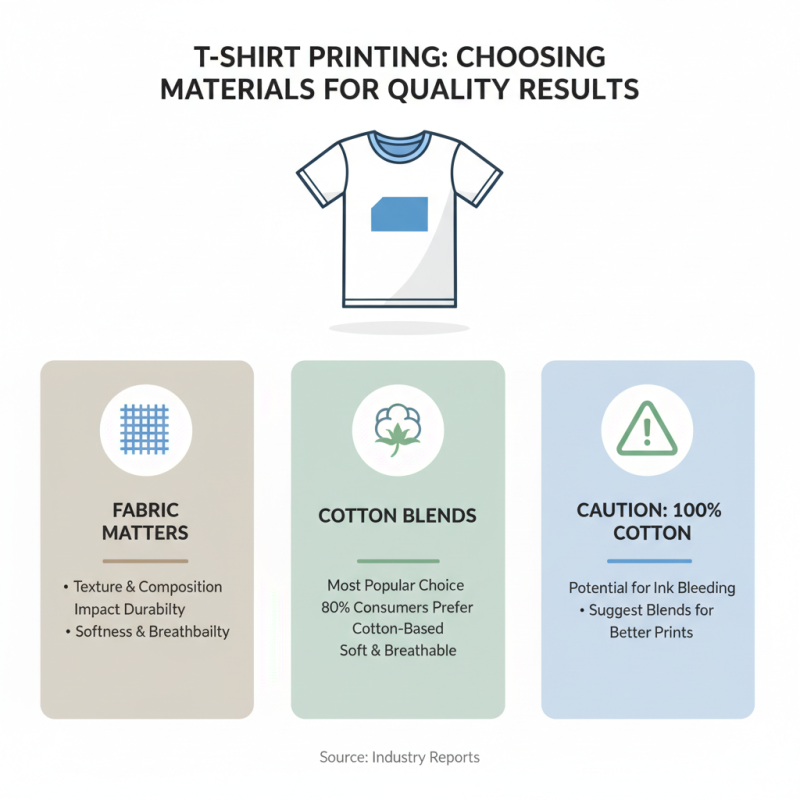
Choosing the right materials is crucial for achieving quality print results on T-shirts. Fabrics vary in texture and composition, impacting print durability. Cotton blends remain popular due to their softness and breathability. Reports indicate that 80% of consumers prefer cotton-based apparel. However, using 100% cotton can sometimes lead to ink bleeding.
Polyester is another option, known for its vibrant print retention. Studies show polyester can increase print longevity by 50% compared to cotton. Yet, this fabric might feel less natural against the skin. It’s essential to consider the target audience's preferences. Mixing fabrics can sometimes yield the best outcome, but the right proportions matter. A blend of 60% cotton and 40% polyester often strikes a balance between comfort and print quality.
Preparation is just as vital as material choice. Pre-treating fabrics can enhance ink adhesion. However, over-preparation may alter the fabric’s feel. Testing different temperatures and pressures during printing can also lead to varied outcomes. Many printers overlook these adjustments, resulting in subpar prints. Successful printing requires attention to detail and a willingness to iterate.
Setting Up Your Machine for Optimal Performance
When setting up your machine for optimal performance in t-shirt printing, several key factors require attention. Firstly, the calibration of the printer is crucial. Studies indicate that proper calibration can improve image quality by up to 30%. Regular maintenance, such as cleaning the print head and checking ink levels, can prevent poor print quality. In fact, a well-maintained machine can extend the life of the equipment and reduce operational costs, as indicated by a report from the Printing Industries of America.
Temperature and humidity also play vital roles in printing outcomes. Ideally, the environment should maintain a temperature between 20-25°C and humidity around 45-55%. Deviating from these conditions can lead to ink bleeding or uneven prints. A recent analysis found that 25% of printing errors are linked to environmental factors. Thus, having a reliable climate control system is advisable.
Additionally, understanding the fabric type is essential. Different materials require different settings. For example, cotton absorbs ink differently than polyester. Not every fabric will yield perfect results, and some may require multiple test prints. Therefore, experience and adaptability are vital. Regularly experimenting with various settings and materials can lead to better insights. Remember, continuous learning is part of the journey toward achieving high-quality prints.
How to Machine Print On T Shirt for Best Results?
| Setup Step |
Description |
Recommended Settings |
| Machine Calibration |
Ensure the machine is calibrated properly for accurate printing. |
Calibrate before each use; follow manufacturer guidelines. |
| T-Shirt Selection |
Choose the right fabric to ensure print adhesion. |
Cotton or cotton-blend fabrics work best. |
| Ink Type |
Select the appropriate ink type for your material. |
Water-based inks are ideal for cotton materials. |
| Print Resolution |
Adjust print resolution for quality output. |
Aim for at least 300 DPI for detailed graphics. |
| Heat Settings |
Set the heating element to the right temperature. |
Temperature between 350°F to 375°F is recommended. |
| Press Time |
Duration for applying heat to the shirt. |
15-20 seconds for optimal results. |
| Post-Press Treatment |
Care for the printed design after pressing. |
Allow to cool and avoid washing for 24 hours. |
Printing Techniques to Enhance Designs on T-Shirts
When it comes to printing techniques for T-shirts, several methods stand out. Each has its pros and cons. Screen printing is one of the most common techniques. According to a recent industry report, this method accounts for about 50% of all custom apparel printing. It offers vibrant colors and durability, but requires longer setup time.
Direct-to-garment (DTG) printing is another popular option. It provides full-color designs and is perfect for intricate artwork. A study shows DTG is growing rapidly, with a projected increase of 20% annually in the next few years. However, the downside is that it may not last as long as screen printing.
Tips: Always consider the fabric type. Cotton works best for both screen printing and DTG. Polyester may lead to fading. Testing different inks can help you understand how they react on various fabrics. Strive for quality over quantity. Each print should reflect your design's intent. Imperfections can be charming but need careful evaluation. Too many flaws, and your brand could suffer.
Printing Techniques Popularity for T-Shirt Designs